
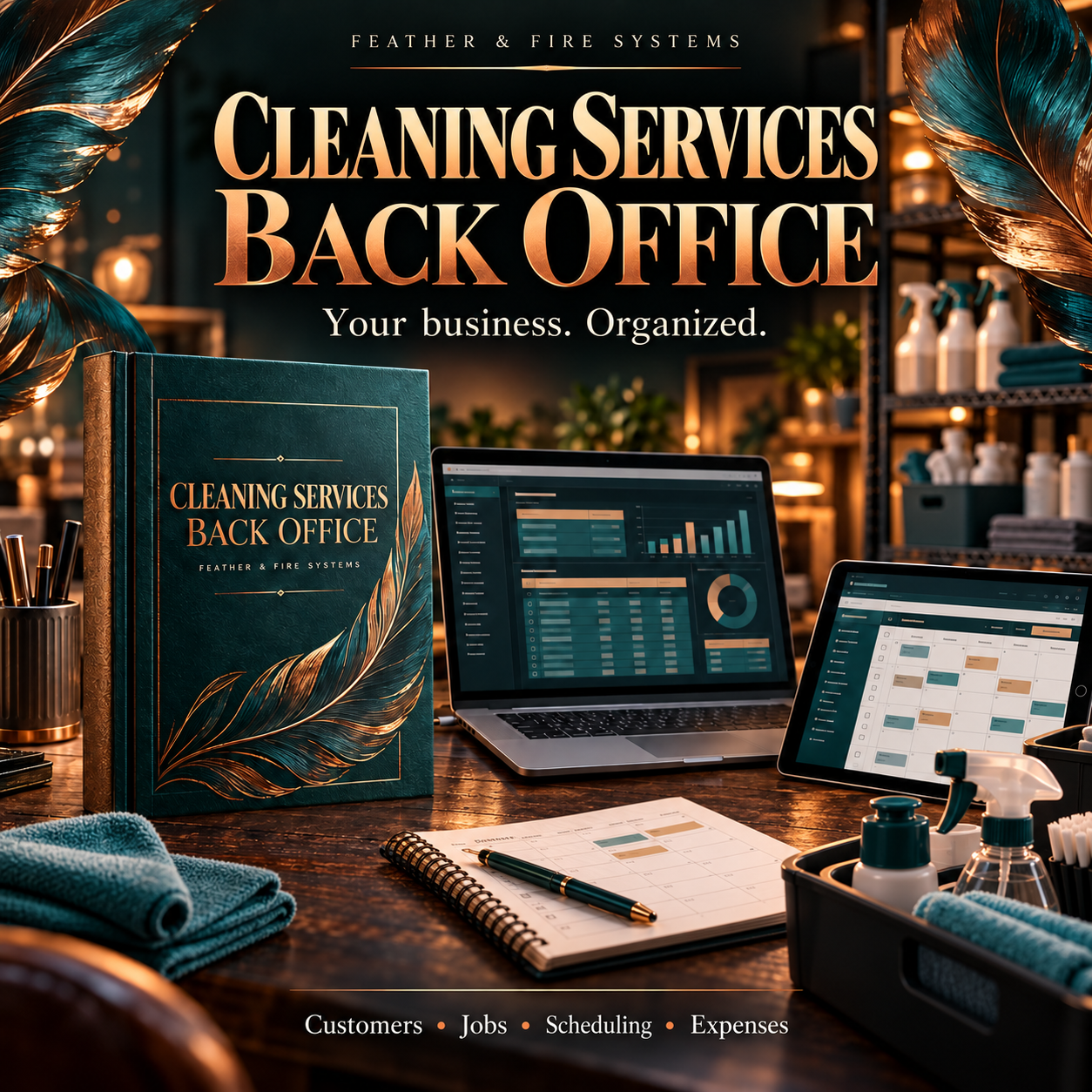
Cleaning Services Back Office
Your whole cleaning business in one workbook — no software, no subscription, yours to own outright.
Cleaning Services Back Office is a complete spreadsheet backend for a cleaning business run by one or two people. The recurring cleans. The houses and how you get into them. The walkthrough quote you meant to follow up on. The client who gets one bill a month. The keys you're holding. It's all in one place, and it works while you're working.
Everything a small business needs. Nothing it doesn't.
What's inside (20 tabs):
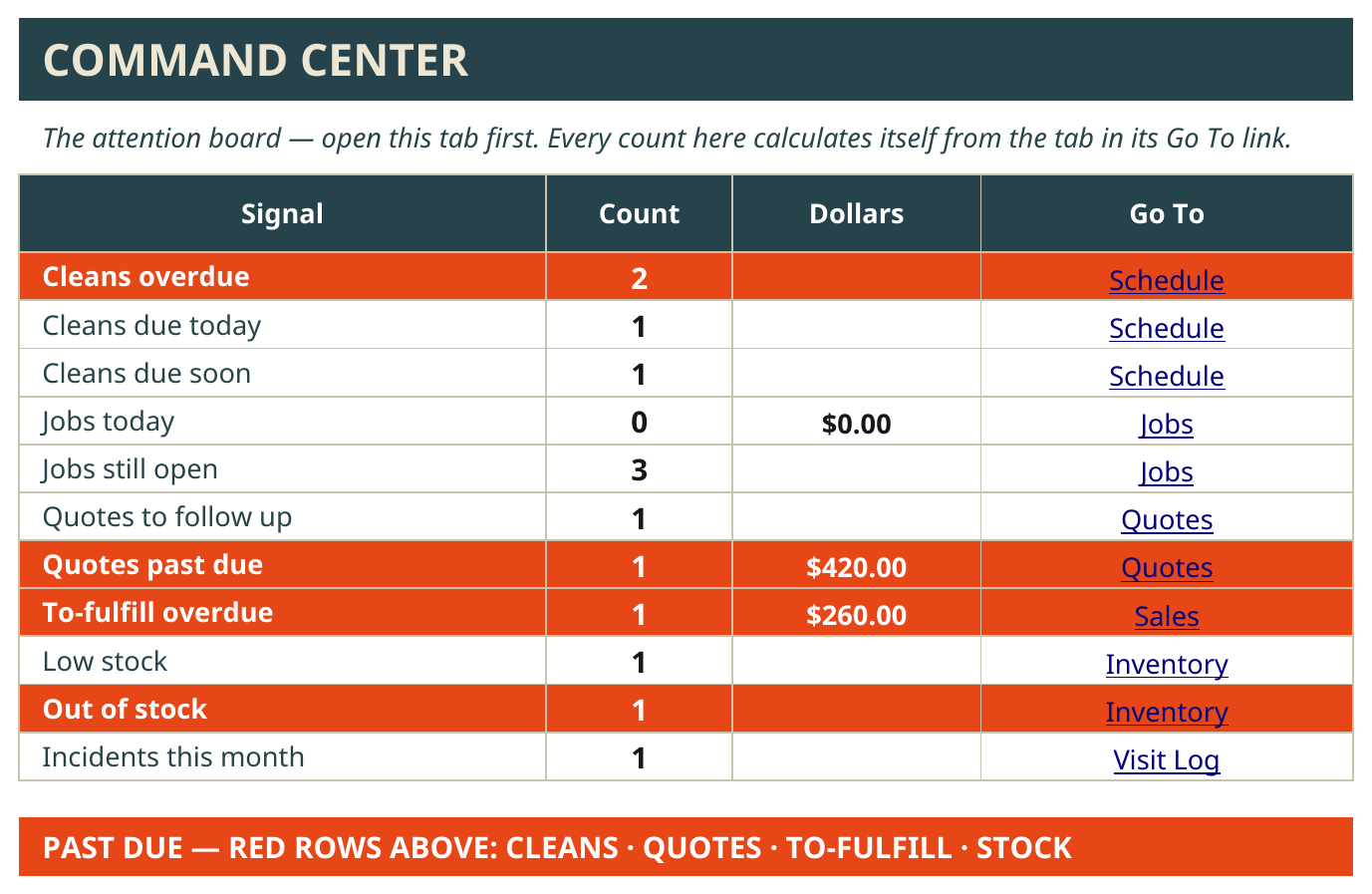
Command Center — open this first, every morning. Cleans overdue, cleans due today, quotes that need a follow-up, what's past due, what's out of stock. In red, so it can't hide.
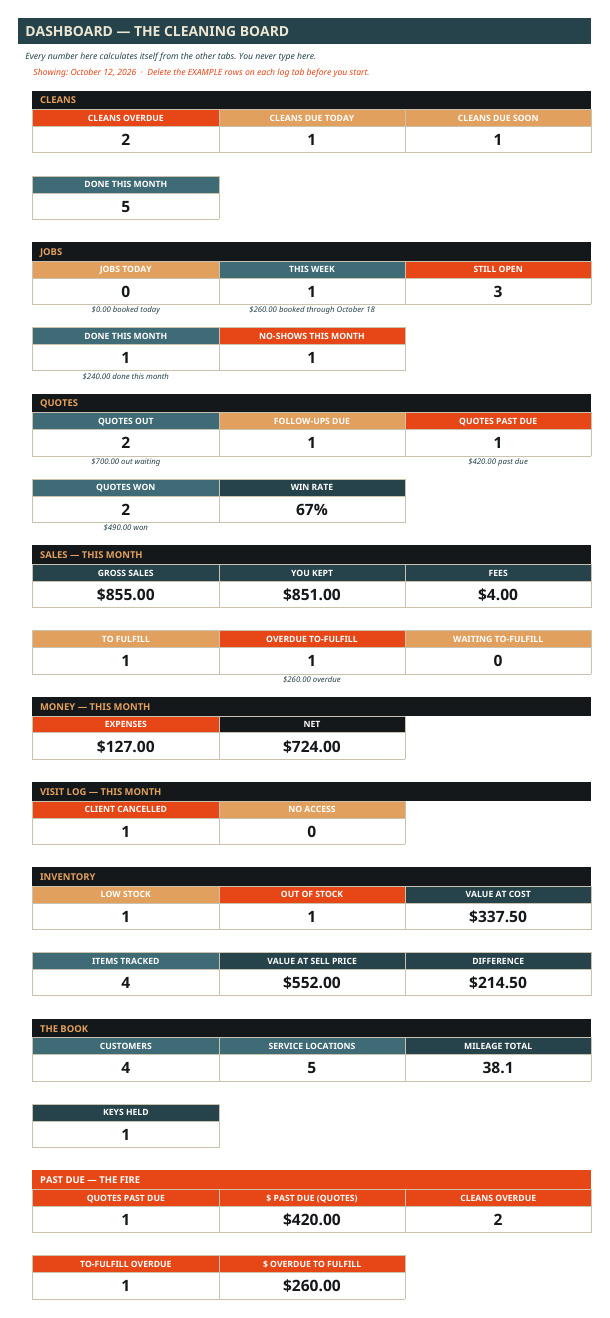
Dashboard — the month's numbers in one look: cleans done, jobs, quotes out, money in, money out, what's left — and how many client keys you're holding.
Customers — every client, how to reach them, what services they use, and when you said you'd follow up.
Service Locations — every house and office: address, how you get in (lockbox, garage code, key held, client home), beds and baths, access notes, cleaning notes, route day and stop order — and who supplies the supplies, so you know what goes in the caddy before you leave.
Quotes — a walkthrough becomes an estimate here. Price it flat or hourly. Quotes flag themselves when it's time to follow up — and when they're past due. Approve one and it becomes the recurring clean on the Schedule.
Schedule — your recurring cleans. Weekly, every 2 weeks, every 4 weeks, monthly — the next due date figures itself, and an overdue clean turns red until it's done.
Day Sheet — today's route on one page: overdue cleans first, then today's, in stop order, with time windows. Print it for the car or pull it up on your phone.
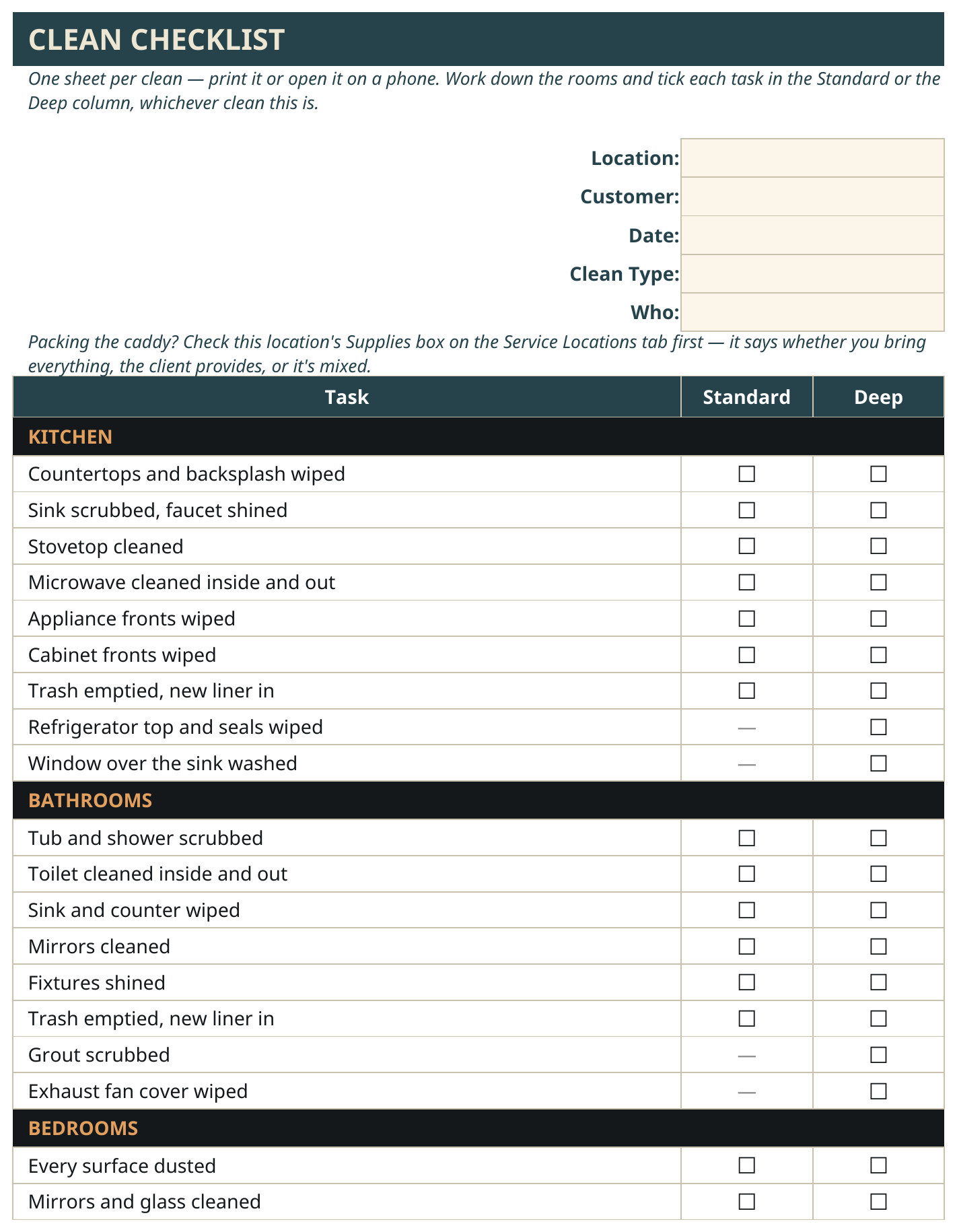
Clean Checklist — the room-by-room working sheet: Kitchen, Bathrooms, Bedrooms, Living Areas, Floors, Whole House — with a Standard column and a Deep column, plus the add-ons performed. This is the sheet that goes into the house with you.
Jobs — the one-time work: deep cleans, move-in and move-out cleans, turnovers, the jobs that aren't on a route.
Visit Log — what happened at every visit: done, client cancelled, rescheduled, no access. Time in and time out, whether photos were taken, and an incident flag for anything that breaks, spills, or goes wrong — your record if there's ever a dispute. Client cancels? Log it here and leave the Schedule alone — the clean stays flagged until it's actually done, so nothing quietly falls off the route.
Monthly Invoices — some clients pay per clean, some get one bill a month. Monthly visits add themselves up into one invoice — the visits and the total are counted for you.
Sales — the money record. What came in, what the fees took, what you kept.
Expenses & Mileage — what went out, and the miles, recorded as you go.
Inventory — chemicals, paper, liners, cloths. Running low flags itself before you run out in the middle of a client's house.
Key Log — every client key you hold, labeled by code name only — never the address — with the day it changed hands and the day it went back.
Reports — money by month, visits by clean type, sales by channel — and what you're actually making per hour at each location, figured from your times in and out.
Settings — your clean types, your add-ons menu, your route days, your words. Add a clean type to the list and every dropdown in the workbook picks it up. Nothing to rewire.
Cleaning Backroom Playbook — every tab and every box explained in plain words, right inside the workbook.
One workbook holds up to 2,000 records per tab — that's years of cleans. It comes loaded with a full example cleaning business (BrightHome Cleaning) so you can watch a week flow through it before you touch anything — including a cancelled clean that stays flagged, and a bakery whose weekly cleans build its monthly invoice. Delete the examples and it's yours.
How it works:
✅ Buy it and download two files: the workbook and the User Guide PDF.
✅ Open the workbook in Google Sheets. (A free Google account is all you need.)
✅ Walk through the example business first — a real cleaning week, start to finish.
✅ Delete the examples, type your clients and locations over them, set your clean types and route days on the Settings tab.
✅ Open the Command Center every morning. That's the whole habit.
Who it's for:
A cleaning business run by one or two people — houses, rentals, small offices. Solo works fine — the "Who" box just says Owner. Got a helper on some days? Add their name once and pick who's on each clean. Recurring cleans, deep cleans, move-ins and move-outs, turnovers — all in the same system, all year.
What it's not:
Not software, not an app. It's a spreadsheet system you own outright — no subscription, no monthly fee, no platform that can raise the price on you.
Not a calendar. You keep your own Google Calendar, in your own account — the User Guide shows you how to set up color-coded calendars (Recurring Cleans, One-Time & Deep Cleans, Walkthroughs) with notifications. Feather & Fire never has access to your calendar.
It doesn't text or email your clients for you. It shows you exactly who needs a call, every morning — the morning check is the system.
What's included: the Cleaning Services Back Office workbook (Google Sheets) + the printable User Guide PDF, picture-led and written for a non-spreadsheet expert.
Requirements: a Google account for Google Sheets.
Get it: Cleaning Services Back Office — $79.99, one-time payment.
This is Level 1 of the Feather & Fire platform ladder: the same backend, done by hand, in a file you own.
— Feather & Fire Systems 🔥